What to look for in a business card scanner app
Most card scanners are subscriptions wrapped around a camera. Here is what actually matters when picking one on Android — accuracy, where your data goes, and what happens to the card after it is scanned.
You come back from a conference with fourteen business cards in a jacket pocket. In three weeks you will need one of them and it will be in a drawer.
Card scanner apps solve this, in principle. In practice the category is full of apps that scan a card, put the contact behind a paywall, and charge monthly for the privilege. Here is what to weigh up.
1. Where does the recognition happen?
This is the question that separates the category, and almost nobody asks it.
A business card is a small dense block of personal data: someone's name, direct line, mobile, work email and employer. Many scanner apps upload the card photo to a server to be read, and some route it to human transcribers for accuracy.
That may be fine. But it is worth knowing, because the person on the card did not agree to it — they handed a card to you.
On-device text recognition avoids the question entirely. Android's built-in recognition is more than accurate enough for the printed, high-contrast text on a business card, and the image never leaves your phone.
What to check: the privacy policy, and whether the app works in airplane mode. If it scans offline, the recognition is local.
2. What is the pricing model?
This is where the category earns its reputation. A lot of scanners are free to install, free to scan a handful of cards, and then a recurring subscription — often billed annually — to keep using the camera you already own.
Ask what you are renting. A subscription makes sense when there is an ongoing cost to serve you: cloud storage, server-side recognition, a team keeping an enrichment database current. It makes much less sense for an app doing local text recognition on your own hardware.
What to check: whether there is a one-time option, and — critically — what happens to the contacts you already scanned if you stop paying. Which brings us to the big one.
3. Where do the scanned contacts live?
Some scanners save into your phone's normal contact list. Others keep them in their own database inside the app.
The difference matters enormously and only becomes visible when you try to leave. Contacts saved to your phone's address book sync wherever your contacts already sync, appear when someone calls, and survive uninstalling the app. Contacts locked in an app's private store do none of that, and getting them out often requires the paid tier.
What to check: scan one card, then open your phone's own Contacts app and see whether it is there.
4. Does it capture the fields you actually search by?
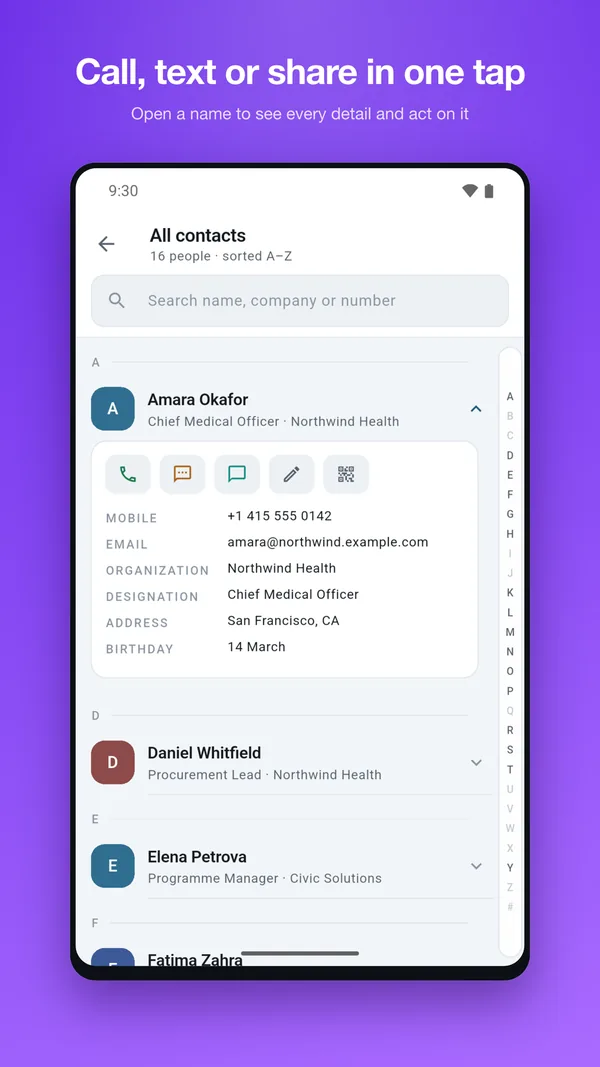
A scanner that grabs the name and phone number is doing the easy half. The fields that make a contact findable years later are the ones people skip: company and job title.
Those two turn a flat alphabetical list into something you can navigate — every person you know at a given firm, or every engineer in your contacts. If the scanner drops them into a notes field as loose text, you have a record but not an index.
What to check: whether company and designation land in their proper contact fields.
5. Can you correct it before it saves?
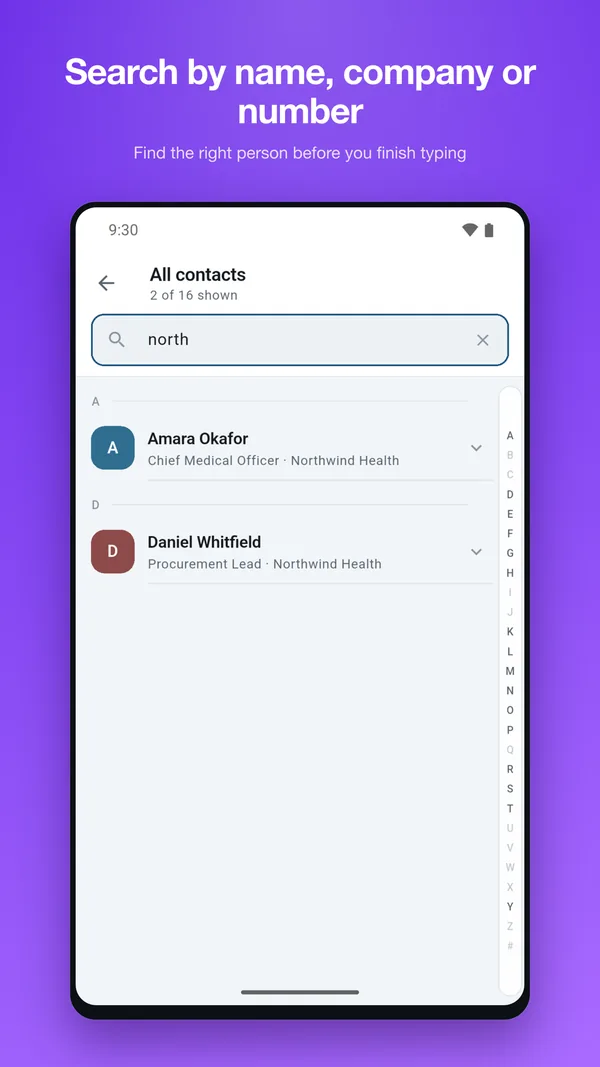
No OCR is perfect. Cards use decorative type, foil, dark backgrounds, vertical layouts. A good scanner shows you the parsed fields and lets you fix them before writing to your address book; a bad one silently saves "Managing Partner" as a phone number.
What to check: whether there is a review step.
A quick checklist
| Question | The answer you want |
|---|---|
| Where does recognition run? | On the device |
| What does it cost? | One-time, or genuinely free |
| Where do contacts go? | Your phone's own contact list |
| Are company and title captured? | Into their proper fields |
| Can you fix mistakes before saving? | Yes, a review screen |
| What happens if you stop paying? | You keep everything |
How Contacts Plus answers these
For transparency, since this is our blog: Contacts Plus runs recognition on-device, shows you the parsed fields for review before anything is saved, and writes to your phone's own contact list — so scanned cards behave like every other contact and outlive the app.
The scanner is one of three features behind a single one-time purchase; there is no subscription and there are no ads. Once a card is in, the same app groups your contacts by the company and job title it captured, which is the part that pays off a year later.
It is Android-only, and it does not do cloud contact storage or contact export — if either is a requirement, another app will suit you better.
The short version
Most of the category's problems come from one decision: whether the app treats your contacts as yours or as the thing keeping you subscribed. Check where the contacts land after a scan, and everything else follows.